How To Download Gallery
Once your photos are completed. you will receive a link and a password.
Click on the link, you received to view your photos
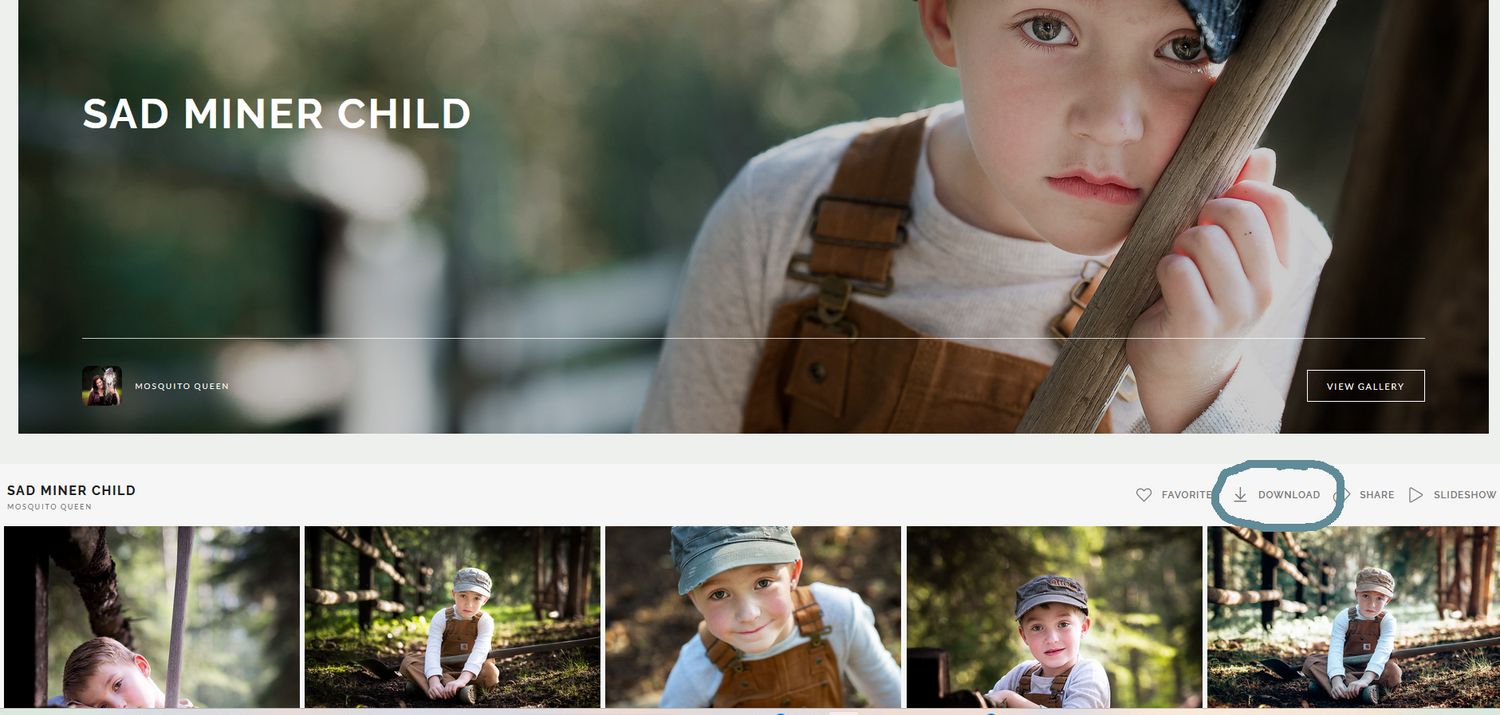
To download ALL photos click on the download symbol, circled here
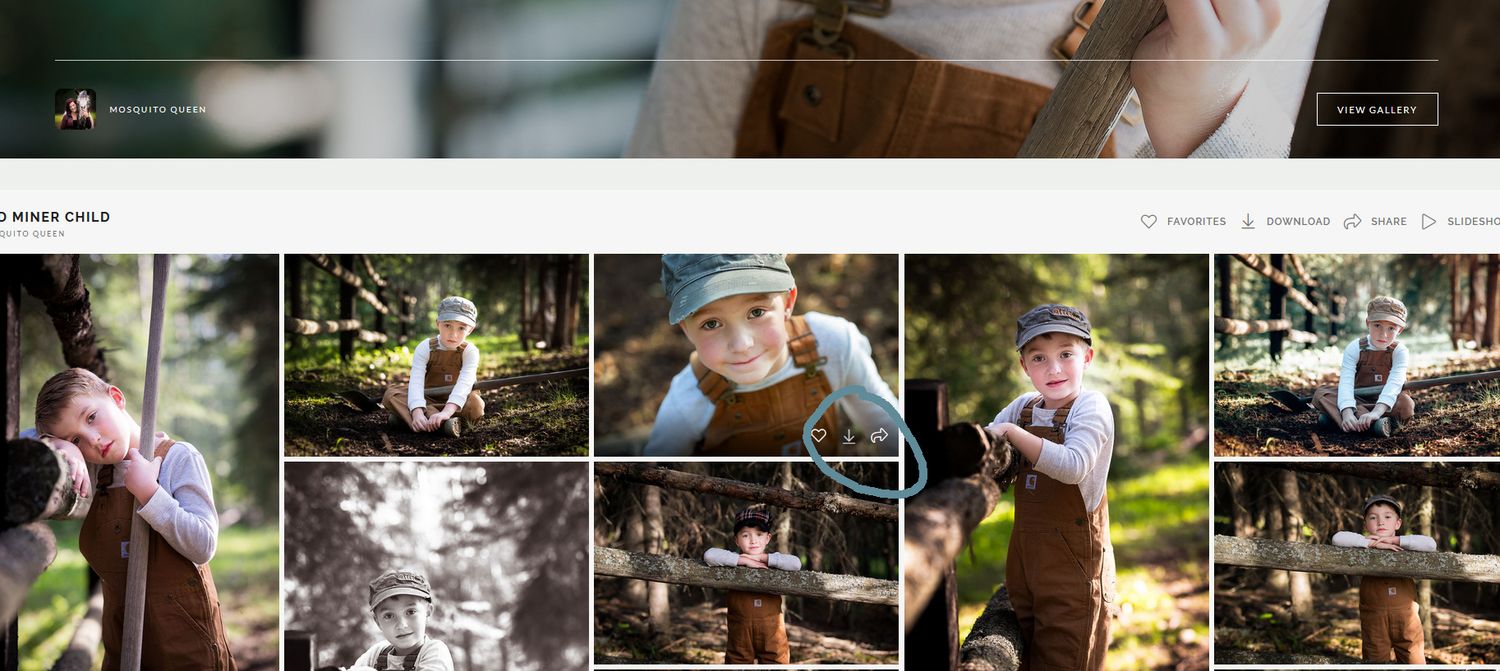
If you are only interested in downloading a few images.
you can click on the download arrow on the individual photo and follow the steps
.
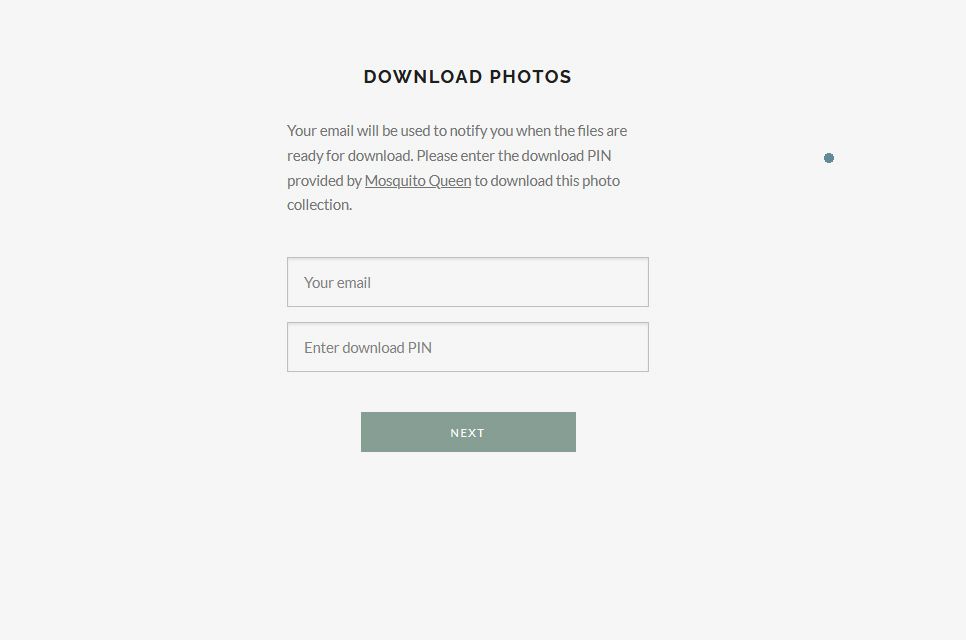
Fill in your email and the password given to you
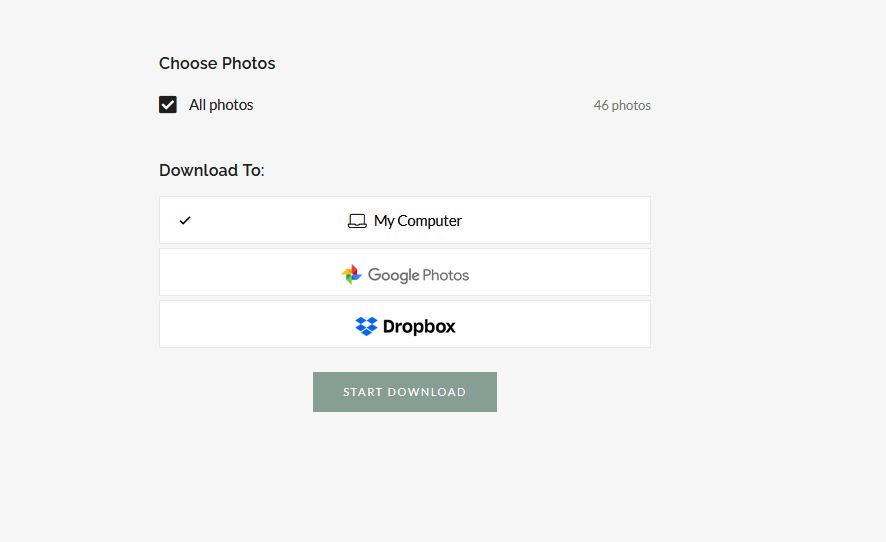
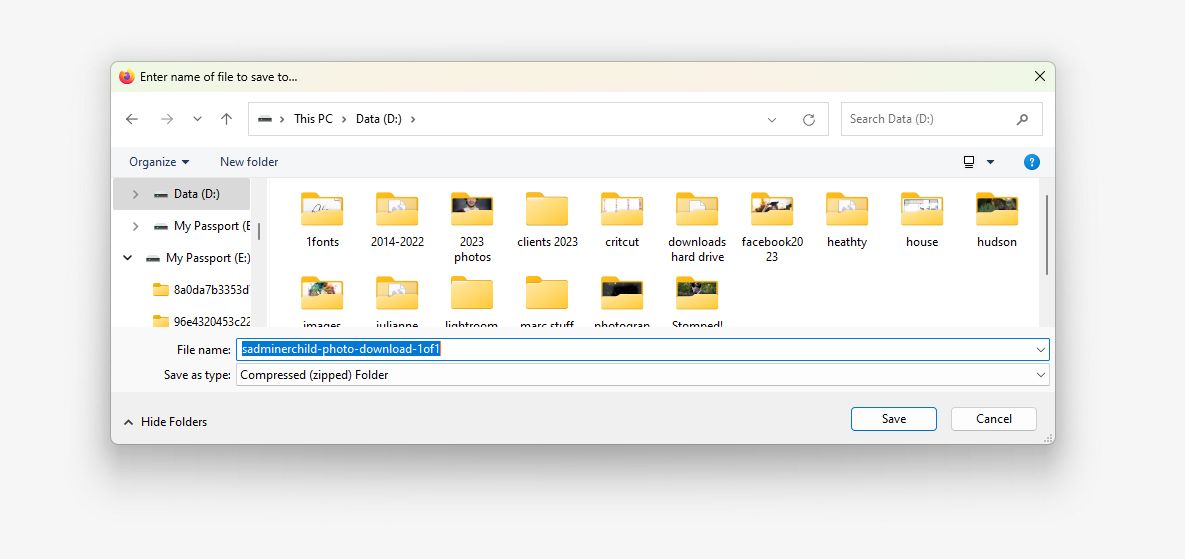
you can choose where you want your photos. I would choose to put them on your computer but it is up to you where you feel safest to store them
Click on the zipped folder
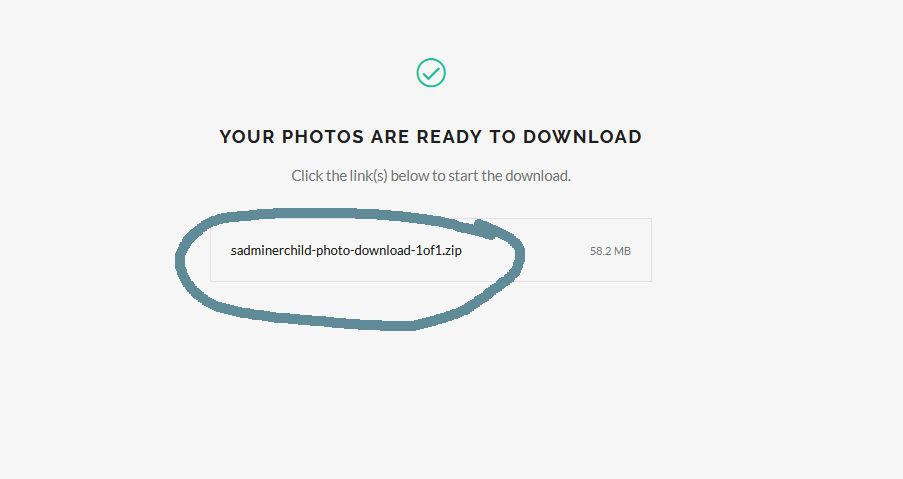
Choose where on your computer you want your image folder to be
Once downloaded to open a zipped folder click on extract all
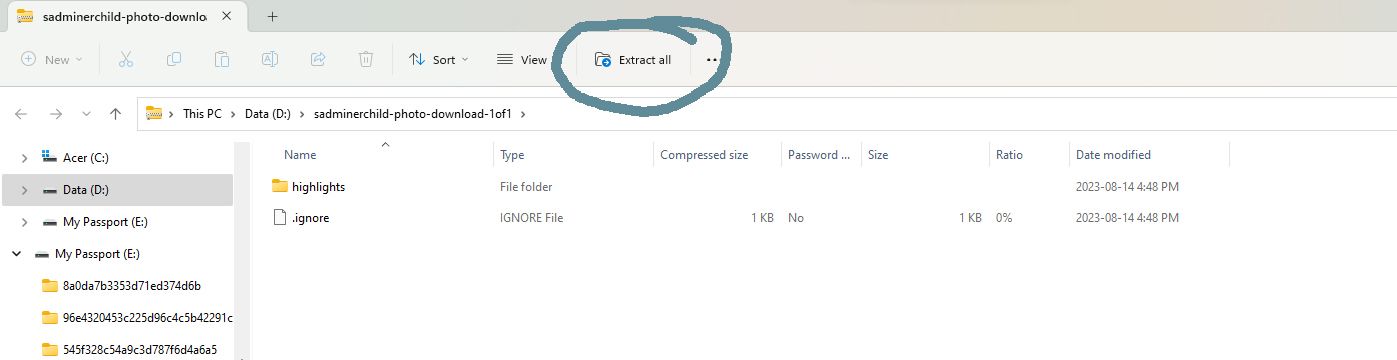
Although it seems long and intimidating, it's actually pretty simple. Feel free to contact me if you have any questions
Recommended places to print
Costco, Mpix, Shutterfly, Technicare
(For best results, turn off any automatic adjustments before ordering.)
